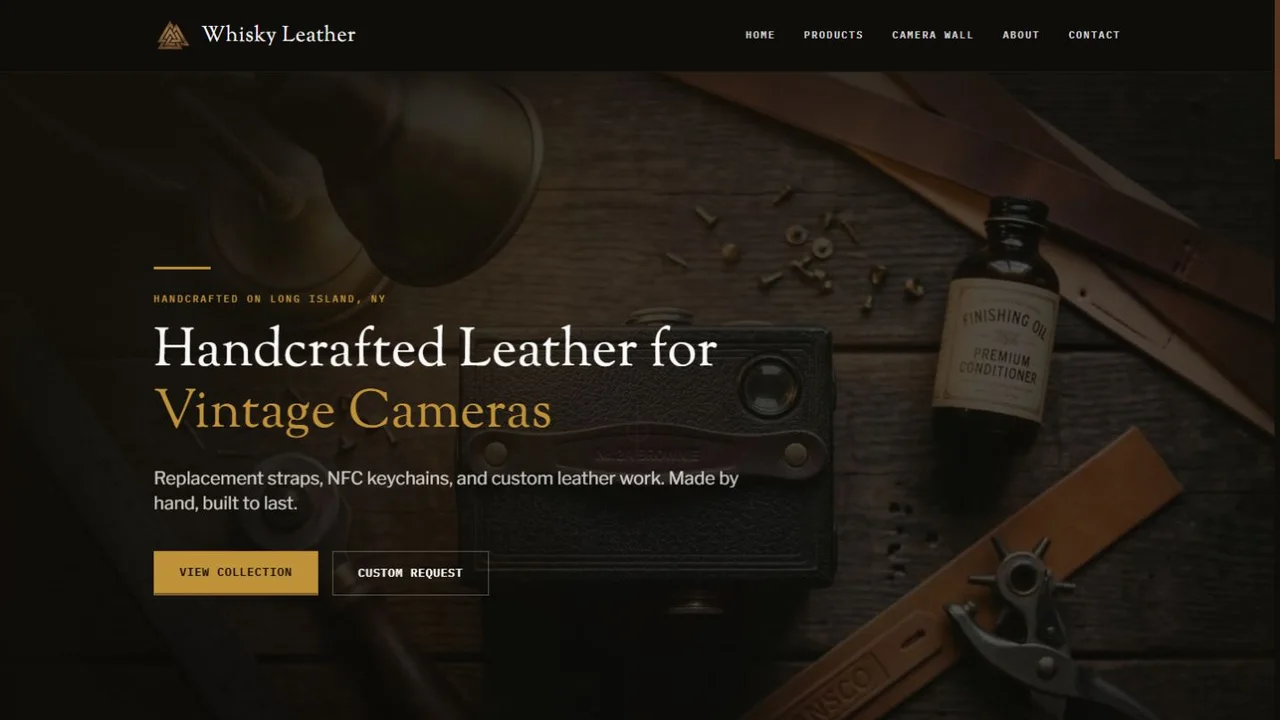
Composed for the screen
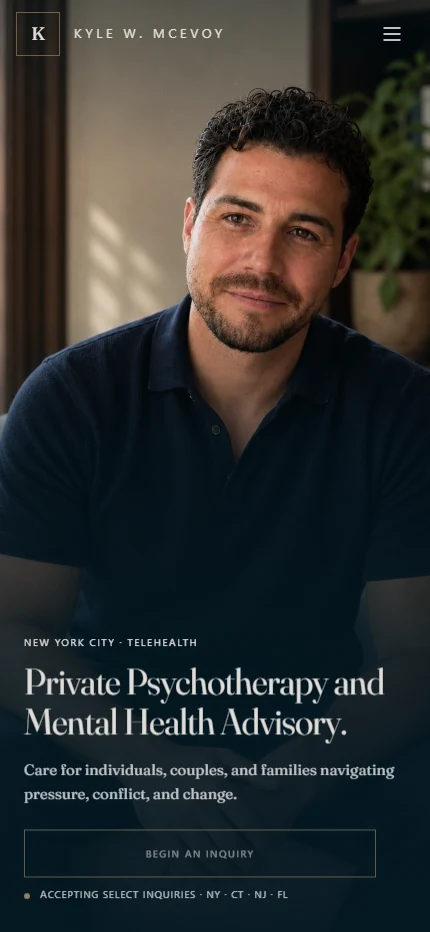
Desktop gives photography and type room to breathe. On phones, portrait crops, text placement, navigation, and reading order are composed for the smaller canvas.
Featured case study · Private practice
Care in every detail.
A private psychotherapy and advisory website, brought together through considered design, custom motion, protected inquiries, and a client-editable CMS.
Visit the live website
One visual identity.
Two carefully composed experiences.
The intention
The site needed to hold two connected worlds: private psychotherapy for individuals and families, and advisory work for clinicians and organizations. Each audience needed a clear path, with the same sense of care throughout.
I designed and built the experience as a complete system. The typography, imagery, interactions, inquiry flow, and editing tools all support the same goal: make the practice understandable, credible, and approachable.
01 · Art direction & finish
Portrait-led compositions, expressive type, a restrained blue-and-gold palette, and careful pacing give the practice a distinct voice across therapy and professional advisory.

Desktop gives photography and type room to breathe. On phones, portrait crops, text placement, navigation, and reading order are composed for the smaller canvas.
Services, the practice profile, advisory pages, the journal, and inquiries share a considered rhythm. The visual finish continues through the full visitor journey.
02 · Bespoke responsive graphics
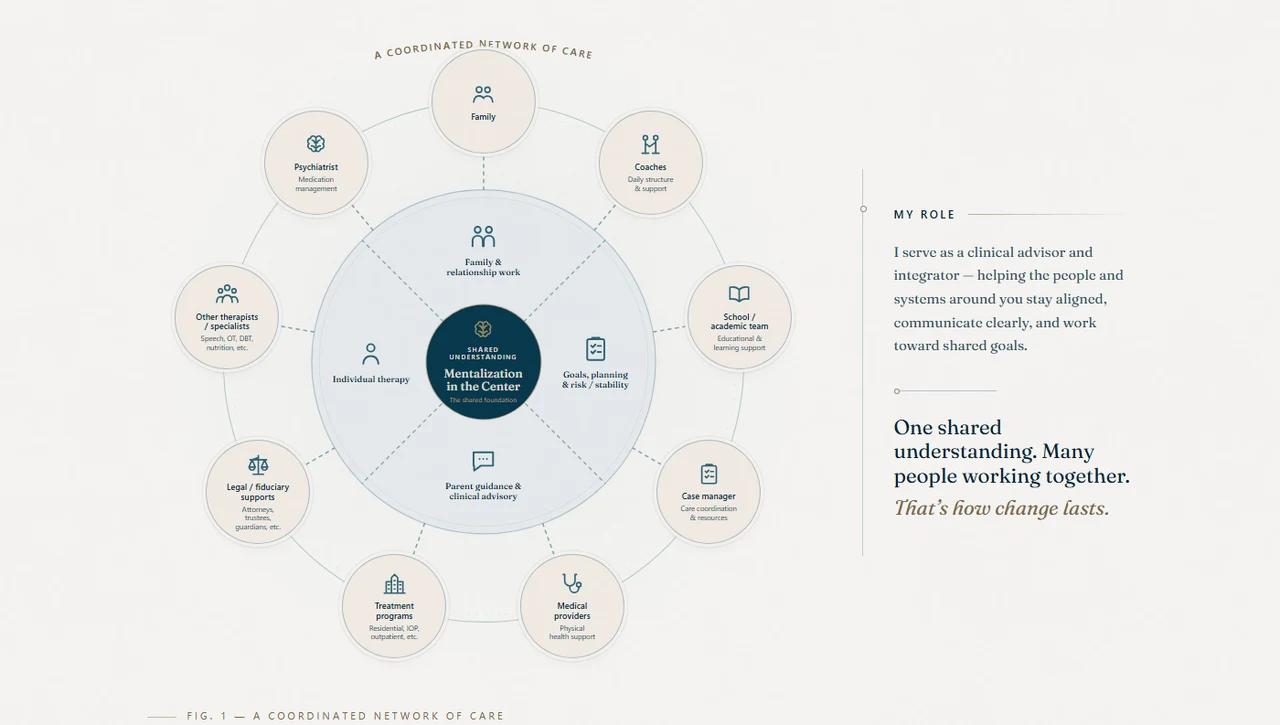
The coordinated-care graphic brings nine roles around one shared understanding. On desktop, the whole network can be studied at once.
On a phone, it becomes an interactive atlas. Tap a role and its connecting line highlights while the matching explanation moves into view. Swipe the explanations and the diagram follows.
Motion with a purpose
The homepage’s mentalization sequence starts with a narrow view of a scene, then opens the frame as the interpretation changes. The animation helps explain the idea through the experience itself.
03 · Protected inquiries
A healthcare inquiry can contain sensitive information. The form and its delivery path were designed together to limit what is collected and where it travels.
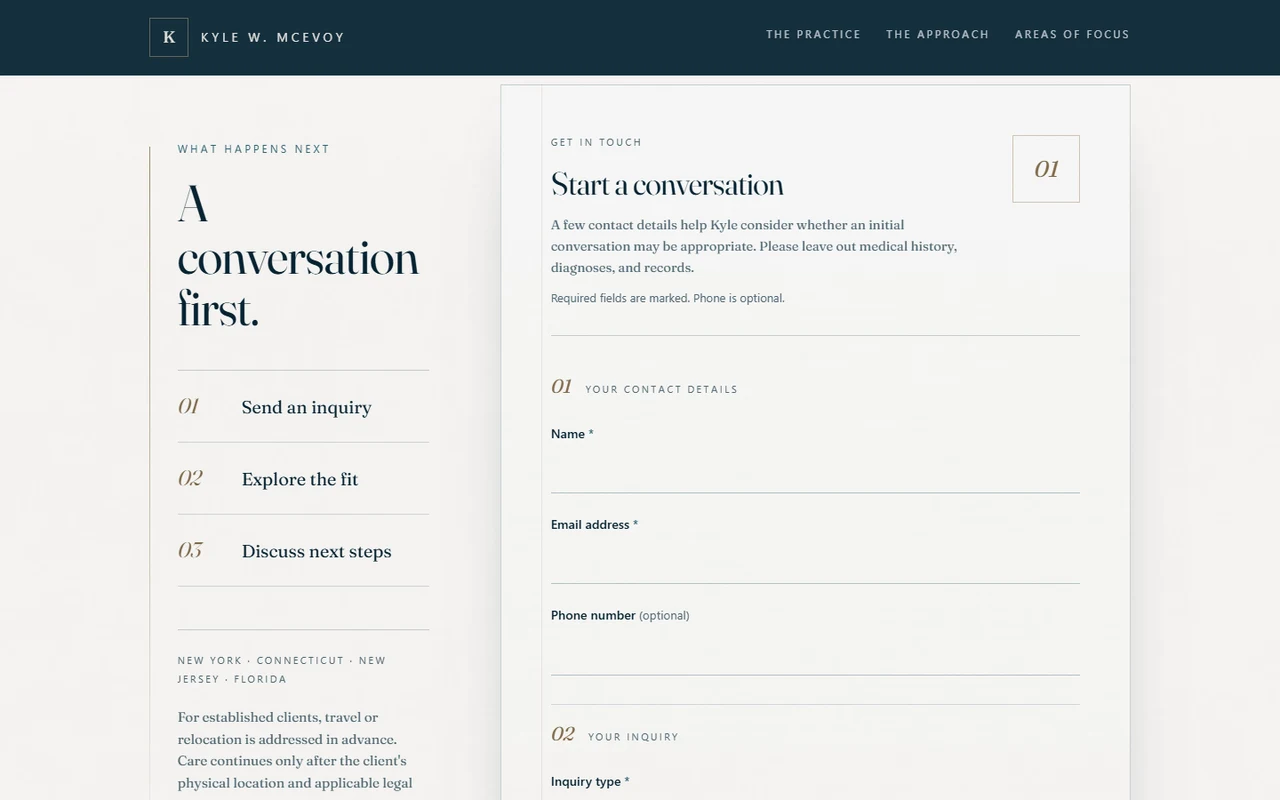
Contact details and practical preferences support the initial inquiry. Clinical narratives and record uploads are kept out of this first-contact form.
Inquiry fields go directly to the practice’s approved Google Workspace delivery path. The anti-spam check uses technical tokens while inquiry fields bypass the website’s hosting layer.
Verified challenges, signed short-lived tickets, rate limits, and duplicate-send protection support the form. Technical status records exclude inquiry content.
04 · Content management
The Keystatic CMS gives the practice a practical way to keep its website current. Content editing is organized around the things the client recognizes: services, articles, resources, and page settings.
Editable copy and supported image fields sit within protected layouts and interactive graphics, helping the site retain its finish as the content evolves.
Useful editing
Seven content collections and nine settings editors organize the practice’s ongoing content, with image fields for supported areas.
A preserved visual system
Core compositions and custom graphics remain protected while the client updates the content around them.
Independent publishing
Authorized editors can save changes online. The site rebuilds and publishes those updates automatically.
Tell me what customers need to understand, trust, or do. I will shape that into a focused website—and stay available after it launches.